
If you install Spyder using any of the standalone installers after installing Python, you’ll have trouble launching the Spyder IDE. If you go to python_dir/Scripts, you’ll see the following:

but clicking on spyder.dat will launch a command prompt for a split second and then disappear. This seems to be a common issues as asked here and here (and other places).
What I did was taking a quick screenshot of the screen that appears for a sec. This is what it actually says:
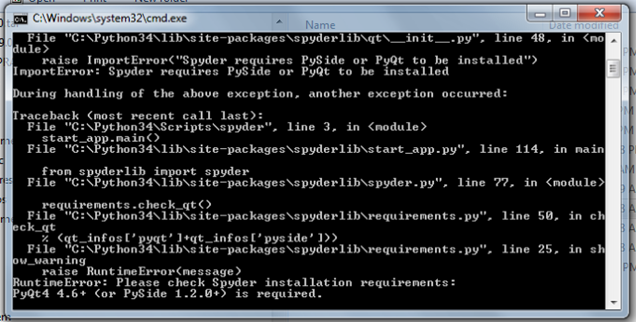
It was pretty easy to fix the issue once I knew what the problem was. It was a matter of opening up a command prompt and typing:
pip install -U PySide
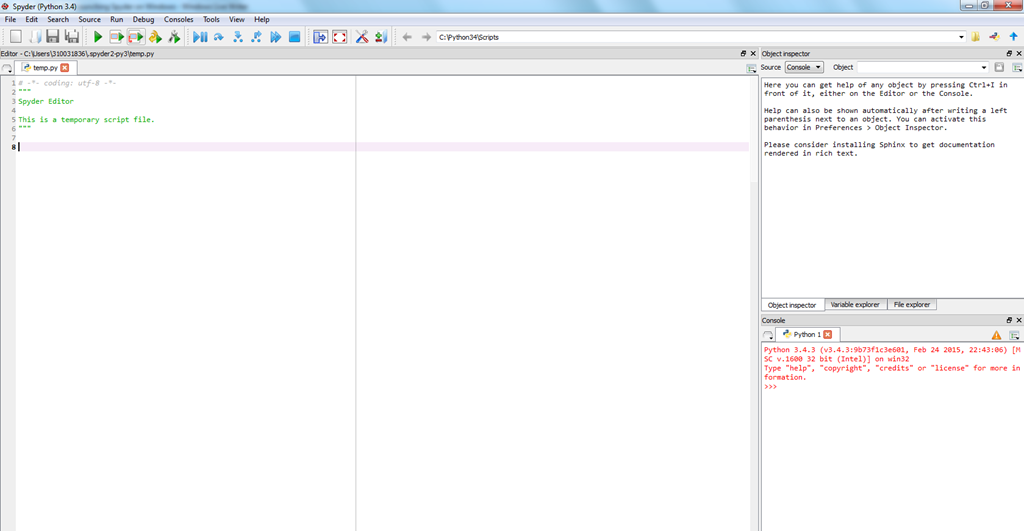
Once that was done, I created a new shortcut on the desktop and pointed it to spyder.bat (right click on Desktop –> New –> Shortcut, then browse browse to bat file) . Now Spyder should launch without any issues 🙂
 Thusitha Mabotuwana's Blog
works like a charm